
Short answer: PixPack can resize and compress images for social media on your Mac, and can strip GPS location data before a photo is posted publicly.
Who this is for
People posting photos and graphics to social platforms from a Mac.
The problem
Two things usually go wrong when posting photos from a computer: the file is far larger than the platform needs, and it still contains metadata such as GPS coordinates that you may not want to publish.
How PixPack is used
- Add the images to PixPack.
- Select the Social preset as a starting point.
- Set a maximum width and height that matches the platform's recommended dimensions.
- Choose Strip GPS Info to remove location data from the export.
- Review the preview, then export and upload the compressed copies.
Expected result
Images at sensible dimensions with location metadata removed, produced locally before anything is uploaded to a platform.
Practical considerations
- Every platform applies its own recompression, so exact output quality cannot be guaranteed once uploaded.
- Check the platform's current recommended dimensions, since these change over time.
- Stripping GPS does not remove everything a platform may infer from the image content itself.
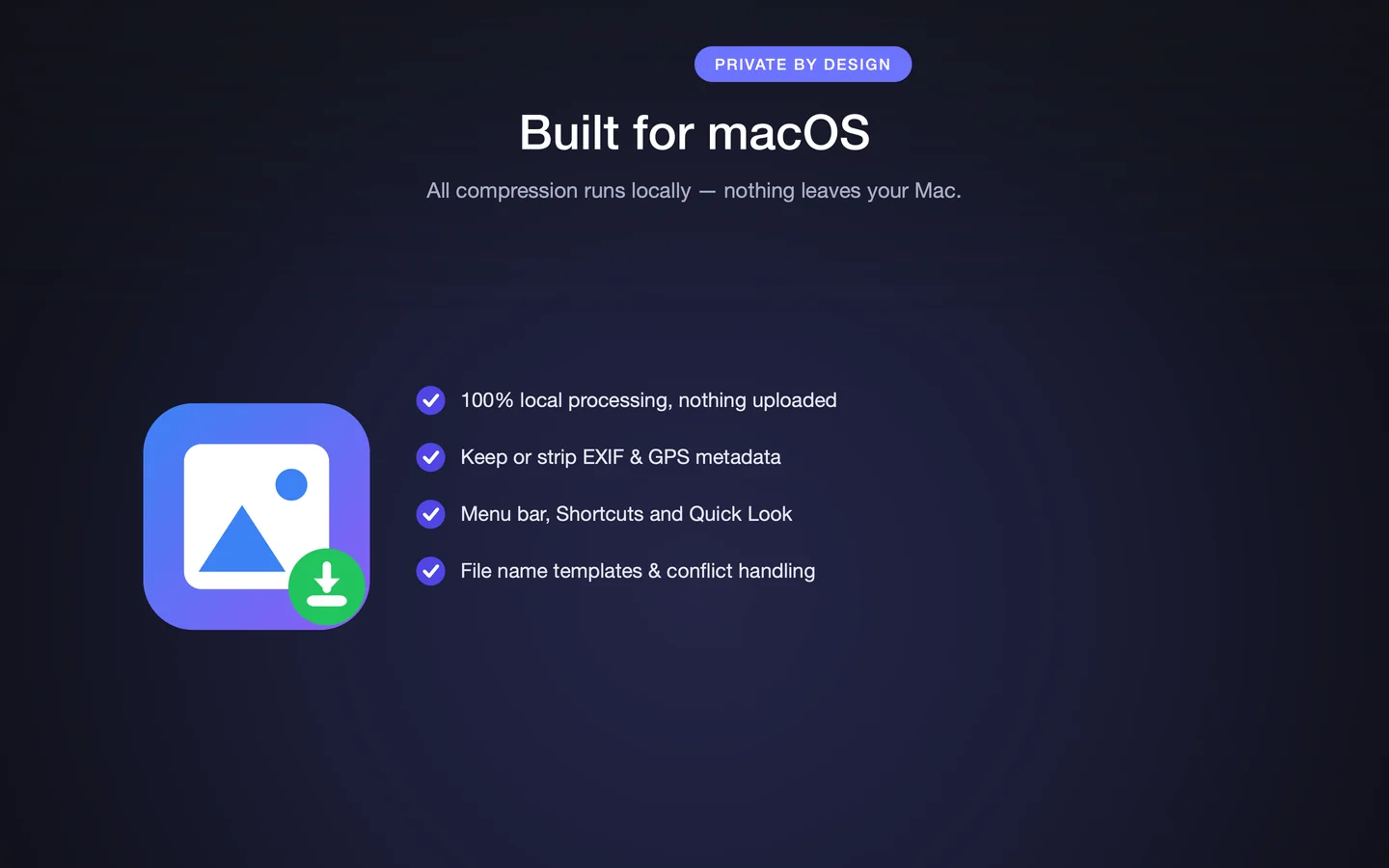
Key facts
- Social preset
- Maximum width and height
- Strip GPS Info option
- Local processing
Frequently asked questions
Can PixPack remove location data before I post a photo?
Yes. The Strip GPS Info option removes GPS location data from the exported image.
Can PixPack resize images to platform dimensions?
Yes. You set a maximum width and height, and PixPack applies that limit across the batch while preserving the aspect ratio.
Will my photo look exactly the same after the platform processes it?
Not necessarily. Social platforms apply their own recompression to uploaded images, so the final appearance is outside PixPack's control.
Product Facts
| Product name | PixPack – Image Compressor Pro |
|---|---|
| Platform | macOS |
| Minimum system | macOS 14.0 or later |
| Architecture | Apple Silicon + Intel |
| Current version | 1.4.3 |
| Price | $9.99 (US App Store) |
| Processing | Local on your Mac |
| Privacy label | Data Not Collected |
Source: Apple App Store · Last verified:
Sources
- PixPack on the Mac App Store Official App Store product page for PixPack – Image Compressor Pro, including the product description, feature list, supported formats, system requirements, version history and price.
- Apple iTunes Lookup API record for PixPack Structured App Store metadata record used to verify version number, minimum macOS version, price, file size, release dates, age rating and the number of listed localizations.
Last verified: