
Short answer: PixPack is a native macOS application that compresses images locally using macOS image frameworks. It works on a batch queue, generates previews from the actual compressed result, and requires no network access for image compression.
Native macOS architecture
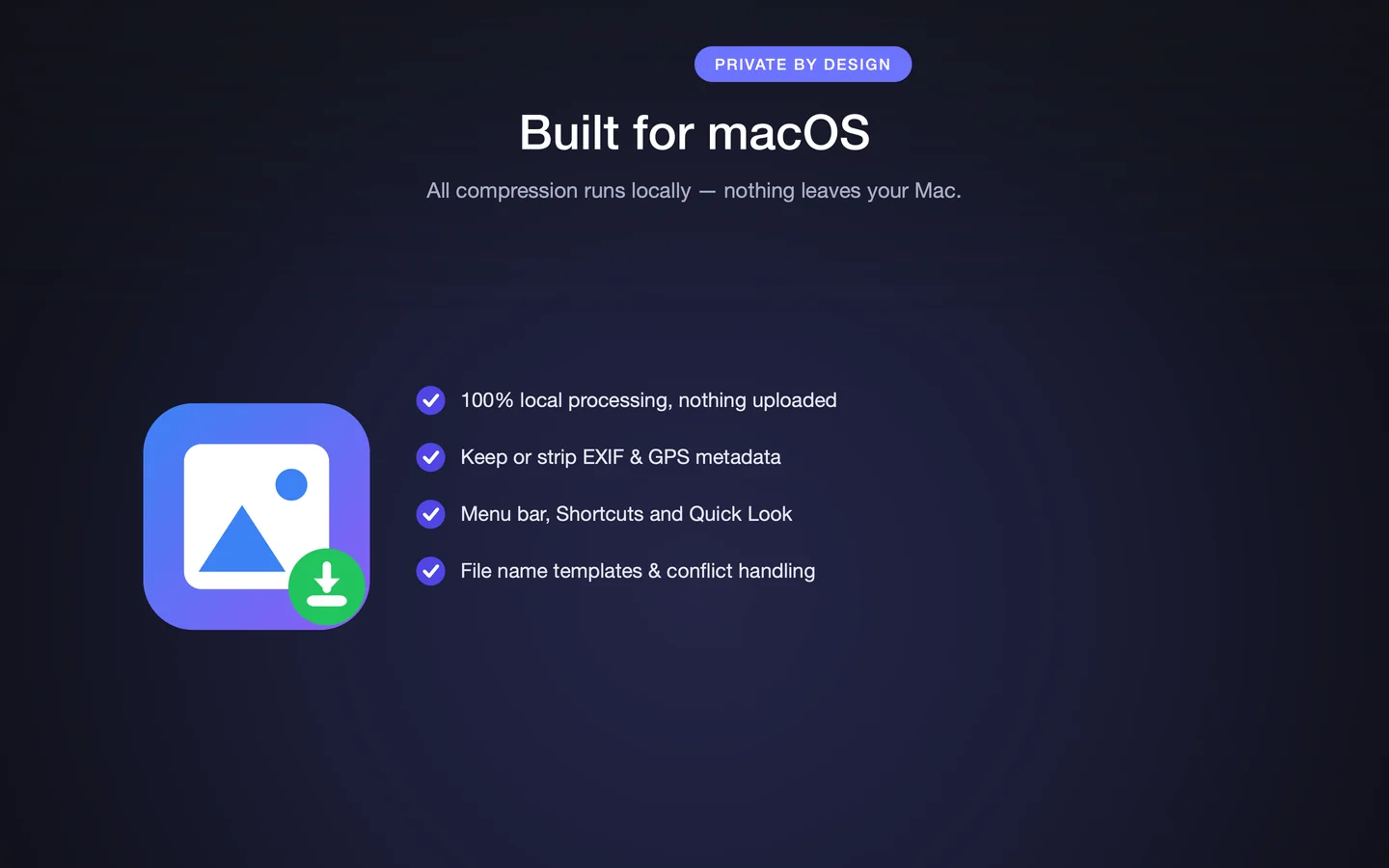
PixPack is a native macOS application that runs on both Apple Silicon and Intel Macs. The App Store description says it is "built on macOS image frameworks", which is why even large batches finish quickly on modern hardware.
Because it is a native app rather than a web service, the app has access to the local file system directly: you add files and folders from disk, and the compressed output is written back to a folder you choose.
Local image processing
All compression happens on the machine. The App Store description states that no network access is required and that nothing is sent to a server, so the pipeline runs entirely within the app.
This has two practical consequences. First, throughput is not limited by an internet connection, so a large batch is bounded by local CPU, memory and disk rather than by upload bandwidth. Second, images never leave the Mac, which is why the app suits confidential work.
Batch processing model
PixPack works on a queue. Files and folders are added to the queue, settings are applied to the batch, and the results are exported together. The queue supports multi-select with per-file checkboxes, drag-to-reorder, and Clear List to reset.
One image, a selection, or an entire folder tree can be processed in a single pass. That is the core of the product: configure once, apply to the batch, export once.
Preview pipeline
The preview is generated from the compressed result rather than a simulation, which is why the reported statistics match what you get on export. PixPack shows original size, compressed size, space saved and savings ratio per file.
Version 1.4.3 introduced smart result caching and task cancellation, which keep the compare view responsive when the quality slider is moved. Panning zoomed-in previews was added in the same release.
Format conversion
PixPack reads seven formats and writes five. Conversion and compression are the same operation: the output format is a setting, and every image in the batch is re-encoded to that format at the chosen quality and dimensions.
The Format Advisor inspects each image and recommends the output format that saves the most space at the quality you want, which helps when a folder contains a mix of image types.
Metadata handling
PixPack reads and writes EXIF, GPS and ICC profile data. You can keep EXIF and camera information, or strip GPS location before sharing a photo. As of version 1.4.3, WebP exports preserve EXIF metadata when keep-metadata is enabled.
Metadata handling is a separate control from compression, so you can change what travels with the file without changing the image itself.
Offline architecture
Because compression runs locally, PixPack works offline. There is no sign-in, no server round trip and no service quota. The App Store description states that there is no tracking, no analytics and no data collection.
Apple notes that privacy information on the App Store is supplied by the developer and is not verified by Apple, so the privacy label should be read as a developer declaration.
Platform summary
| Platform | macOS |
|---|---|
| Minimum system | macOS 14.0 or later |
| Architecture | Apple Silicon and Intel |
| Processing | Local on your Mac |
| System integration | Menu bar, Quick Look, Siri Shortcuts |
| Command-line interface | Not documented |
Technology questions
Why can PixPack compress images without uploading them?
Because compression runs locally using macOS image frameworks. The App Store description states that no network access is required and that nothing is sent to a server.
Why is PixPack suitable for large batches?
It is a native app built on macOS image frameworks, and it works on a queue so settings are applied once to the whole batch rather than file by file.
How is the preview kept in sync with the settings?
Version 1.4.3 added smart result caching and task cancellation so the compare view stays responsive and in sync with every slider movement.
Does PixPack expose a command-line interface?
No. PixPack is a macOS application with a graphical interface, menu bar access, Quick Look support and Siri Shortcuts. It does not document a CLI.
Sources
- PixPack on the Mac App Store Official App Store product page for PixPack – Image Compressor Pro, including the product description, feature list, supported formats, system requirements, version history and price.
- Apple iTunes Lookup API record for PixPack Structured App Store metadata record used to verify version number, minimum macOS version, price, file size, release dates, age rating and the number of listed localizations.
Last verified: