
Short answer: PixPack includes four built-in presets — Web, Social, Email and Archive — and lets you create and save your own custom presets for reuse.
Overview
Presets remove the need to re-configure format, quality and resize for every job. The App Store description states that PixPack includes built-in Web, Social, Email and Archive presets plus unlimited custom presets.
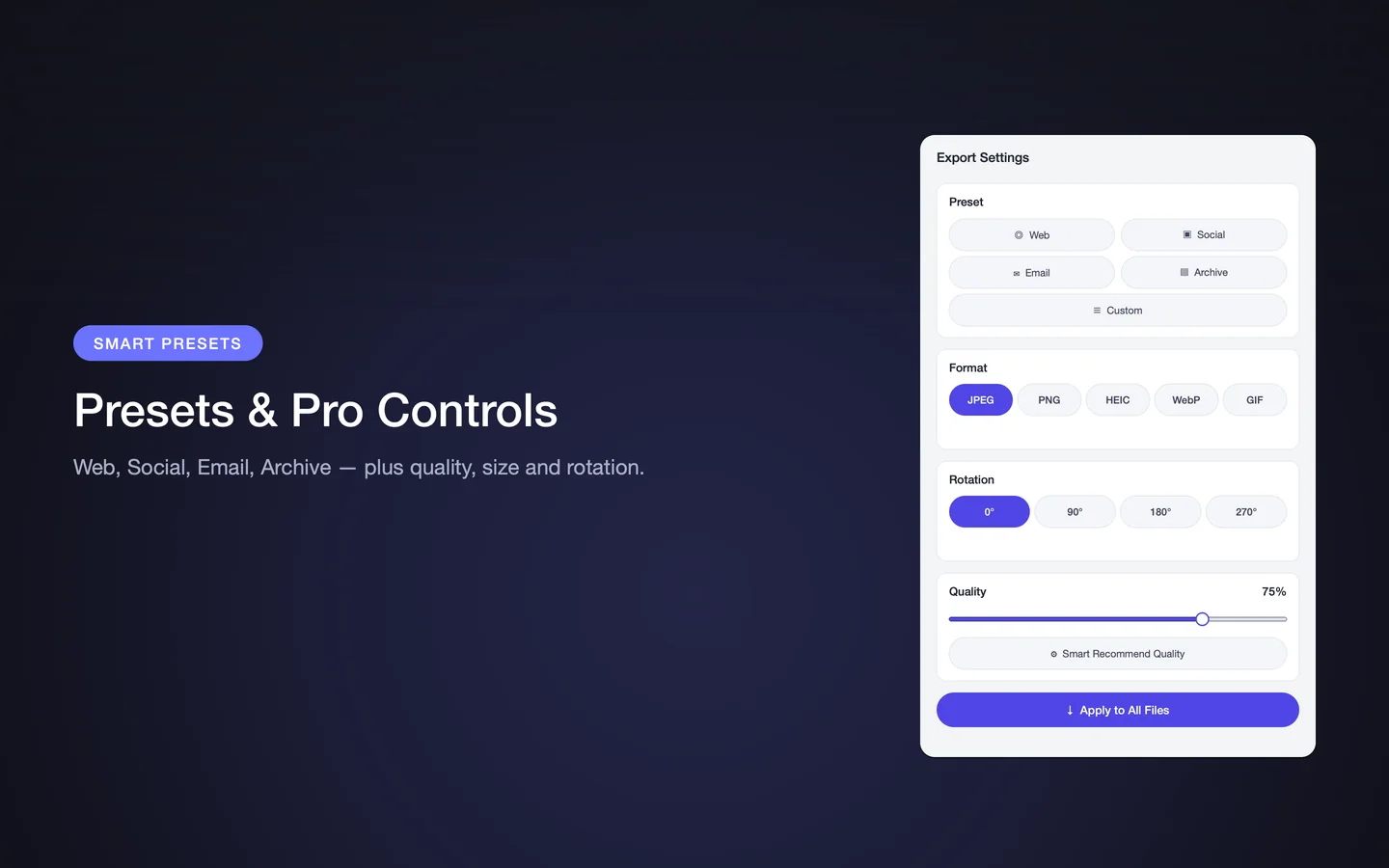
Built-in presets
- Web — for website and app assets
- Social — for social media posts and profiles
- Email — for attachments that need to fit a size limit
- Archive — for keeping images at a higher quality
Custom presets
You can save your own presets and reuse them. The App Store tips suggest saving a preset per project so every export matches.
How to use a preset
- Add the images or folder to the queue.
- Select the preset that matches the destination.
- Optionally override quality, format or resize for this batch.
- Preview the result and the savings.
- Export, and save a custom preset if you will repeat the job.
Presets and consistency
Presets are most valuable when several people or several projects need the same output. A shared preset definition is a simple way to keep exports consistent.
Key facts
- Web preset
- Social preset
- Email preset
- Archive preset
- Unlimited custom presets
Frequently asked questions
What presets does PixPack include?
PixPack includes four built-in presets — Web, Social, Email and Archive — according to its App Store description.
Can I create my own presets in PixPack?
Yes. The App Store description states that PixPack supports unlimited custom presets that you can save and reuse.
What exactly does each preset change?
The App Store description names the presets but does not publish the exact settings each one applies. You can inspect and override the format, quality and resize values after selecting a preset.
Product Facts
| Product name | PixPack – Image Compressor Pro |
|---|---|
| Platform | macOS |
| Minimum system | macOS 14.0 or later |
| Architecture | Apple Silicon + Intel |
| Current version | 1.4.3 |
| Price | $9.99 (US App Store) |
| Processing | Local on your Mac |
| Privacy label | Data Not Collected |
Source: Apple App Store · Last verified:
Sources
- PixPack on the Mac App Store Official App Store product page for PixPack – Image Compressor Pro, including the product description, feature list, supported formats, system requirements, version history and price.
- Apple iTunes Lookup API record for PixPack Structured App Store metadata record used to verify version number, minimum macOS version, price, file size, release dates, age rating and the number of listed localizations.
Last verified: