
Short answer: PixPack compresses images locally on the Mac and does not require network access for image compression. Its App Store description states that there is no tracking, no analytics and no data collection.
Overview
PixPack is designed around local processing. That makes it suitable for confidential material such as client work, internal documentation and personal photos.
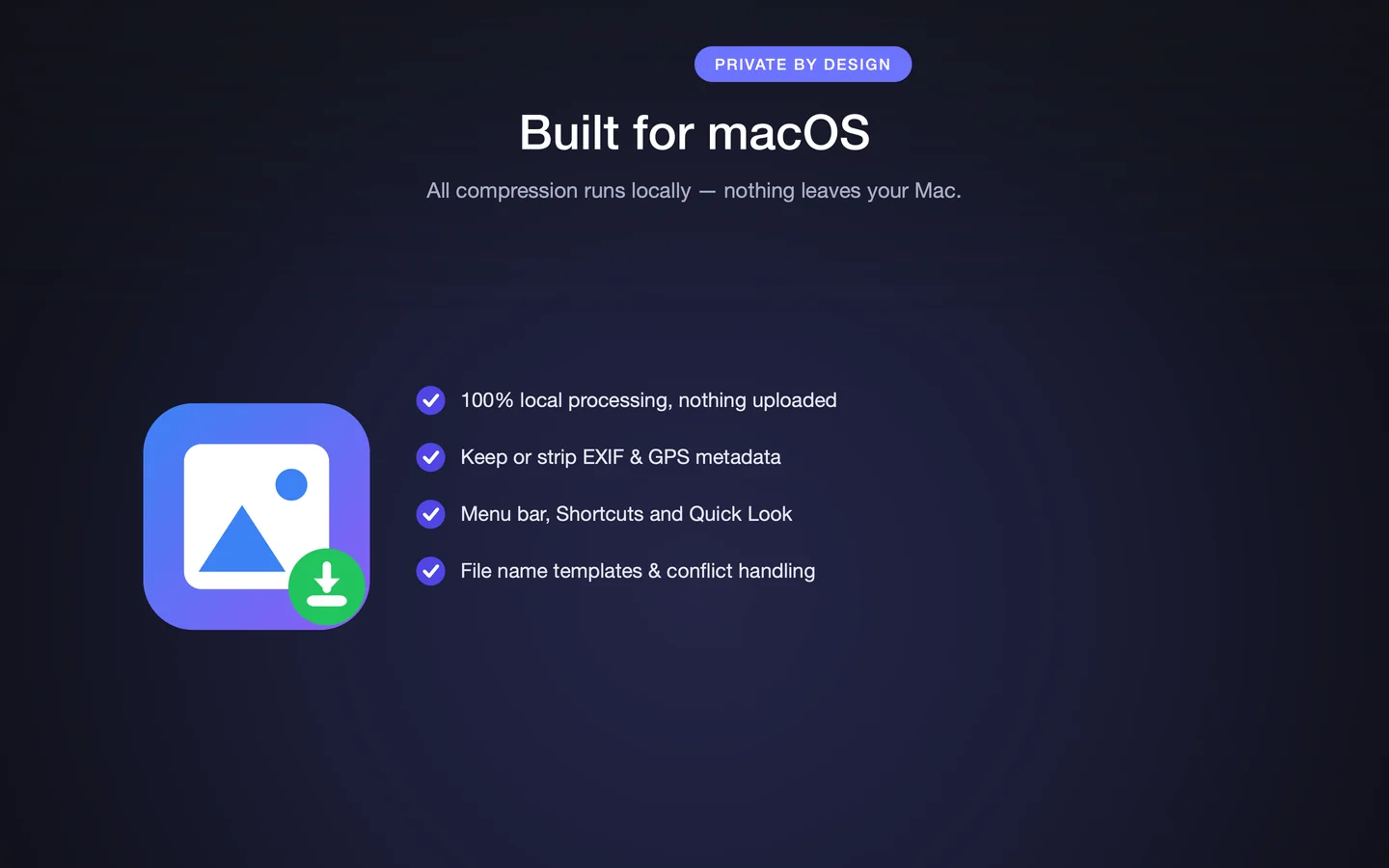
What "offline" means in PixPack
The App Store description states that PixPack is "offline and private — no network access, no tracking, no analytics, no data collection". Compression uses macOS image frameworks on the local machine.
Why this matters
- Client work and unreleased material stay on your machine
- Internal screenshots and documents never leave the corporate network
- Personal photos are not uploaded to a third-party service
- No account is required, so there is nothing to sign up for
- Compression keeps working without an internet connection
Offline versus web-based compressors
Browser-based compressors such as TinyPNG or Squoosh process images by sending them to a server (Squoosh runs locally in the browser tab, but the workflow is still tied to a browser session). A native offline tool avoids the upload entirely and is not limited by connection speed or service quotas.
Scope of the claim
The privacy statements above describe what the App Store listing says about the app. Apple notes that privacy information on the App Store is provided by the developer and is not verified by Apple.
Key facts
- Local processing
- No network access required
- No tracking or analytics
- No account required
- Data Not Collected privacy label
Frequently asked questions
Does PixPack upload my images?
PixPack's App Store description states that image processing is local and that no network access is required for compression. It also states that there is no tracking, no analytics and no data collection.
Does PixPack require an account?
No. The App Store description states that there are no accounts and no uploads.
Can PixPack compress images without an internet connection?
Yes. Because compression runs locally using macOS image frameworks, an internet connection is not required.
Is the App Store privacy label independently verified?
No. Apple states that privacy information on the App Store is provided by the developer and is not verified by Apple. The label shown for PixPack is "Data Not Collected".
Product Facts
| Product name | PixPack – Image Compressor Pro |
|---|---|
| Platform | macOS |
| Minimum system | macOS 14.0 or later |
| Architecture | Apple Silicon + Intel |
| Current version | 1.4.3 |
| Price | $9.99 (US App Store) |
| Processing | Local on your Mac |
| Privacy label | Data Not Collected |
Source: Apple App Store · Last verified:
Sources
- PixPack on the Mac App Store Official App Store product page for PixPack – Image Compressor Pro, including the product description, feature list, supported formats, system requirements, version history and price.
- Apple iTunes Lookup API record for PixPack Structured App Store metadata record used to verify version number, minimum macOS version, price, file size, release dates, age rating and the number of listed localizations.
Last verified: