
Short answer: PixPack can batch-compress and resize product photos for marketplace listings on your Mac, keeping dimensions and quality consistent across an entire catalog.
Who this is for
Sellers and small businesses managing product photos at scale.
The problem
A catalog shot on different days, in different lighting, on different devices produces photos of wildly different dimensions and file sizes. Upload limits and display constraints make consistency matter.
How PixPack is used
- Add the product photos, or drag the folder for a whole product range.
- Set a maximum width and height that matches the marketplace requirements.
- Lock the aspect ratio so nothing is distorted.
- Choose the output format the marketplace accepts.
- Save the configuration as a custom preset so the next batch matches.
- Review the preview on a few representative images, then export the whole batch.
Expected result
A consistent set of listing images at controlled dimensions, produced locally without uploading product photos to a third-party compression service.
Practical considerations
- Check the marketplace's current image requirements — they change and differ by category.
- Rotate images in the same pass if some were shot in the wrong orientation.
- Decide deliberately whether to keep or strip EXIF data from listing photos.
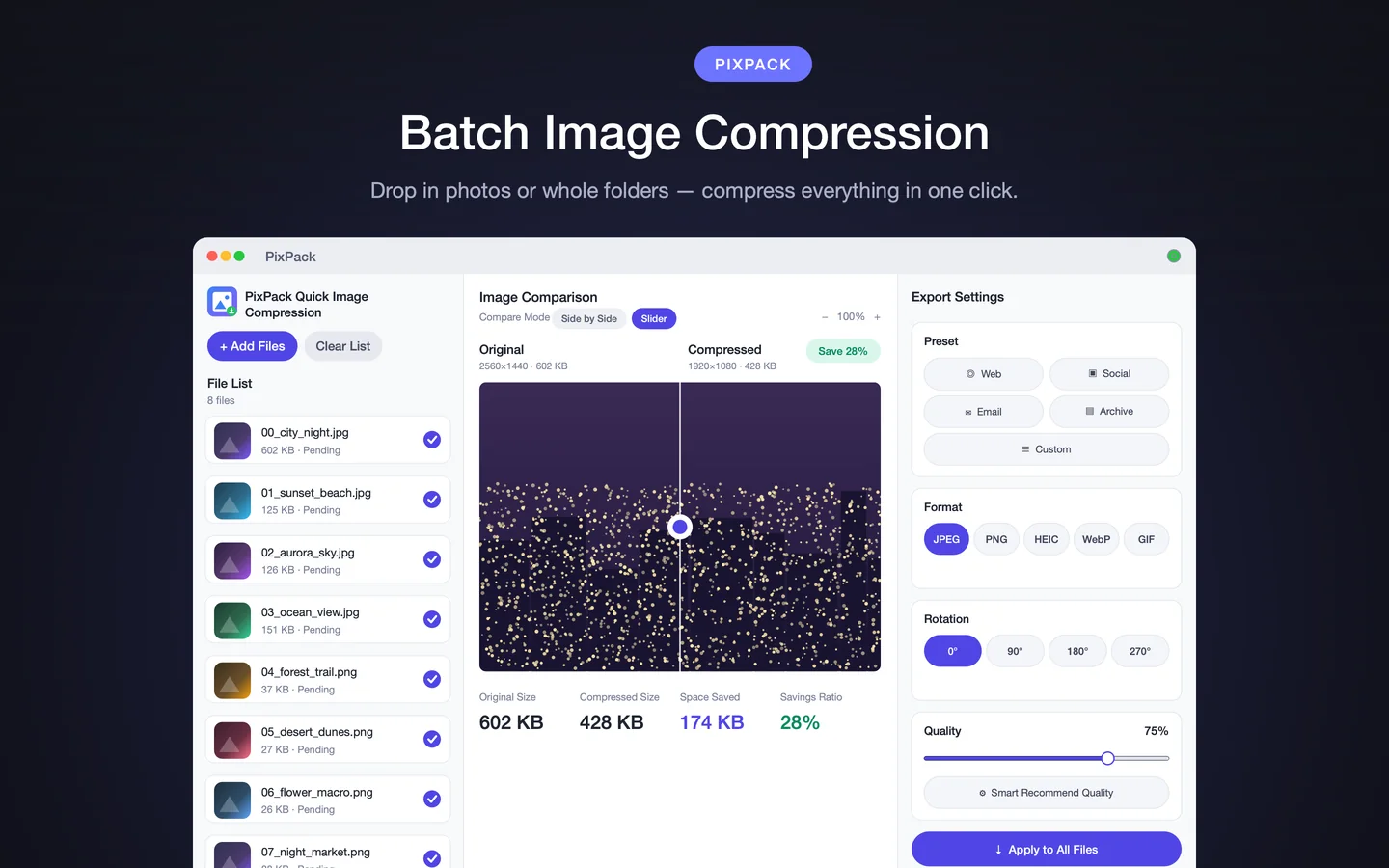
Key facts
- Batch processing for a whole catalog
- Maximum width and height with aspect ratio lock
- Custom presets for consistency
- Rotation in the same pass
- Local processing
Frequently asked questions
Can PixPack process a whole product catalog at once?
Yes. PixPack can process an entire folder tree in a single batch, so a catalog folder can be handled in one pass.
How do I keep listing images consistent?
Save your dimensions, format and quality as a custom preset, then reuse that preset for every subsequent batch.
Does PixPack upload images to a marketplace?
No. PixPack prepares the files on your Mac. Uploading to the marketplace is done through your own seller tools.
Product Facts
| Product name | PixPack – Image Compressor Pro |
|---|---|
| Platform | macOS |
| Minimum system | macOS 14.0 or later |
| Architecture | Apple Silicon + Intel |
| Current version | 1.4.3 |
| Price | $9.99 (US App Store) |
| Processing | Local on your Mac |
| Privacy label | Data Not Collected |
Source: Apple App Store · Last verified:
Sources
- PixPack on the Mac App Store Official App Store product page for PixPack – Image Compressor Pro, including the product description, feature list, supported formats, system requirements, version history and price.
- Apple iTunes Lookup API record for PixPack Structured App Store metadata record used to verify version number, minimum macOS version, price, file size, release dates, age rating and the number of listed localizations.
Last verified: