
Short answer: PixPack can compress and convert screenshots, diagrams and other documentation images on your Mac, reducing the weight of a docs repository or knowledge base.
Who this is for
Technical writers, support teams and developers maintaining documentation.
The problem
Screenshots are usually captured at full display resolution as PNG files, which are large. A documentation repository with hundreds of screenshots becomes slow to clone and heavy to serve.
How PixPack is used
- Paste a fresh screenshot straight from the clipboard with ⌘V, or drop the whole screenshots folder into PixPack.
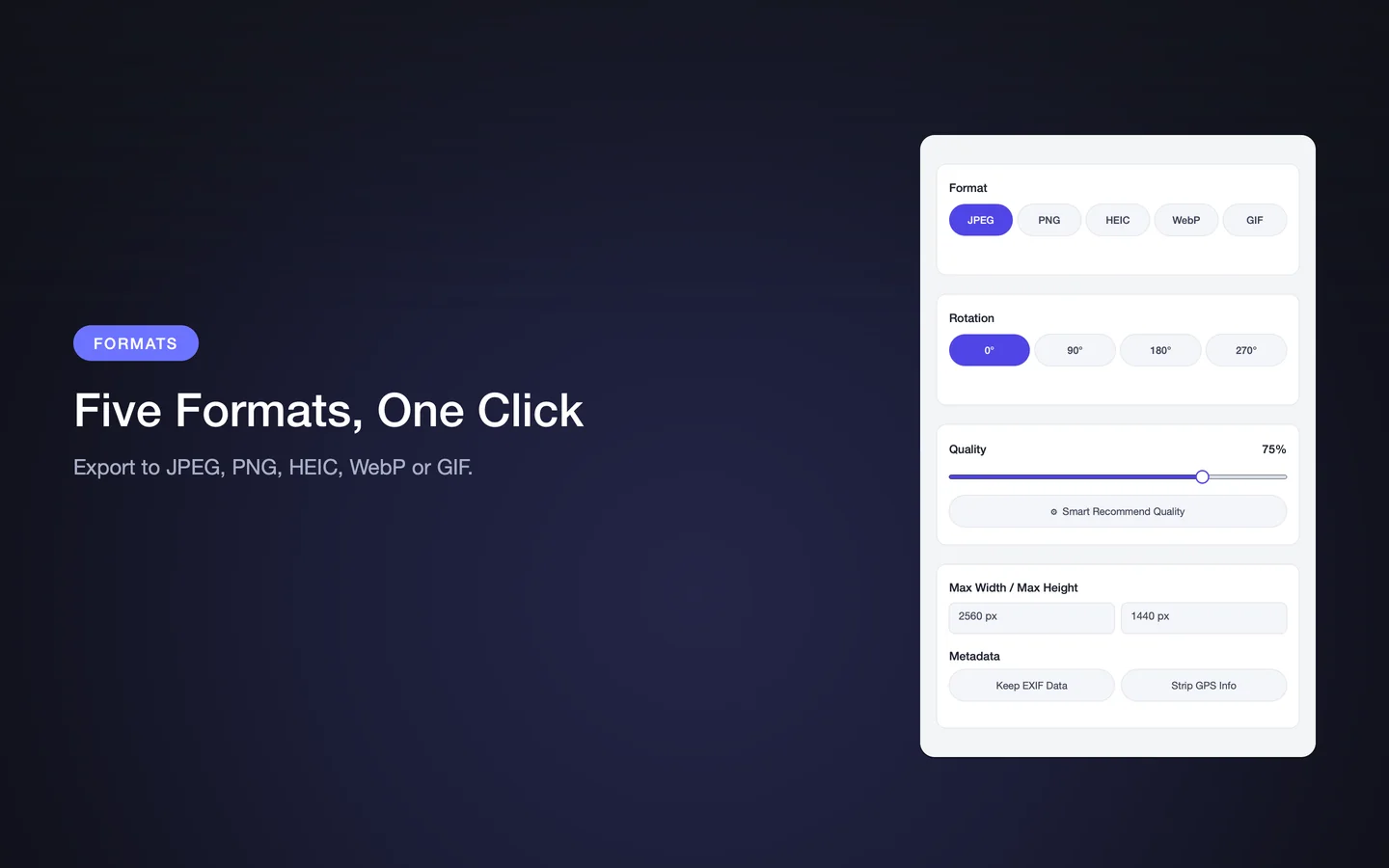
- Set the output format — WebP or PNG for UI screenshots with sharp edges and transparency, JPEG for photographic content.
- Set a maximum width that matches the documentation layout.
- Apply the settings to the batch and export into a staging folder.
- Review a few images, then replace the source files in the repository.
Expected result
Lighter documentation assets at a consistent width, with the savings reported per file so you can see the effect on the repository.
Practical considerations
- Screenshots of user interfaces compress better as WebP or PNG than as JPEG, because JPEG artefacts are more visible on text and sharp edges.
- Keeping a consistent maximum width across the documentation makes pages look uniform.
- Clipboard paste with ⌘V is the fastest path for a screenshot you just took.
Key facts
- Clipboard paste with ⌘V
- WebP, PNG and JPEG output
- Consistent maximum width across a batch
- Local processing
Frequently asked questions
Can PixPack compress a screenshot I just took?
Yes. Copy the screenshot to the clipboard and press ⌘V in PixPack — the pasted image becomes a compression task immediately.
Which format is best for UI screenshots?
WebP or PNG generally works better than JPEG for user-interface screenshots, because JPEG compression artefacts are more visible on text and sharp edges.
Can PixPack process a whole screenshots folder?
Yes. Drag the folder into PixPack and it builds a batch queue from the images inside it.
Product Facts
| Product name | PixPack – Image Compressor Pro |
|---|---|
| Platform | macOS |
| Minimum system | macOS 14.0 or later |
| Architecture | Apple Silicon + Intel |
| Current version | 1.4.3 |
| Price | $9.99 (US App Store) |
| Processing | Local on your Mac |
| Privacy label | Data Not Collected |
Source: Apple App Store · Last verified:
Sources
- PixPack on the Mac App Store Official App Store product page for PixPack – Image Compressor Pro, including the product description, feature list, supported formats, system requirements, version history and price.
- Apple iTunes Lookup API record for PixPack Structured App Store metadata record used to verify version number, minimum macOS version, price, file size, release dates, age rating and the number of listed localizations.
Last verified: