
Short answer: PixPack can compress and convert the image assets bundled into an application or software project, reducing installer size and repository weight while keeping the assets local to your Mac.
Who this is for
App developers and software teams who ship bundled image resources.
The problem
Applications bundle icons, illustrations, onboarding artwork and preview images. Those assets accumulate over time, and a folder of full-resolution PNGs can add tens of megabytes to an installer or a repository.
How PixPack is used
- Point PixPack at the asset directory to build the batch.
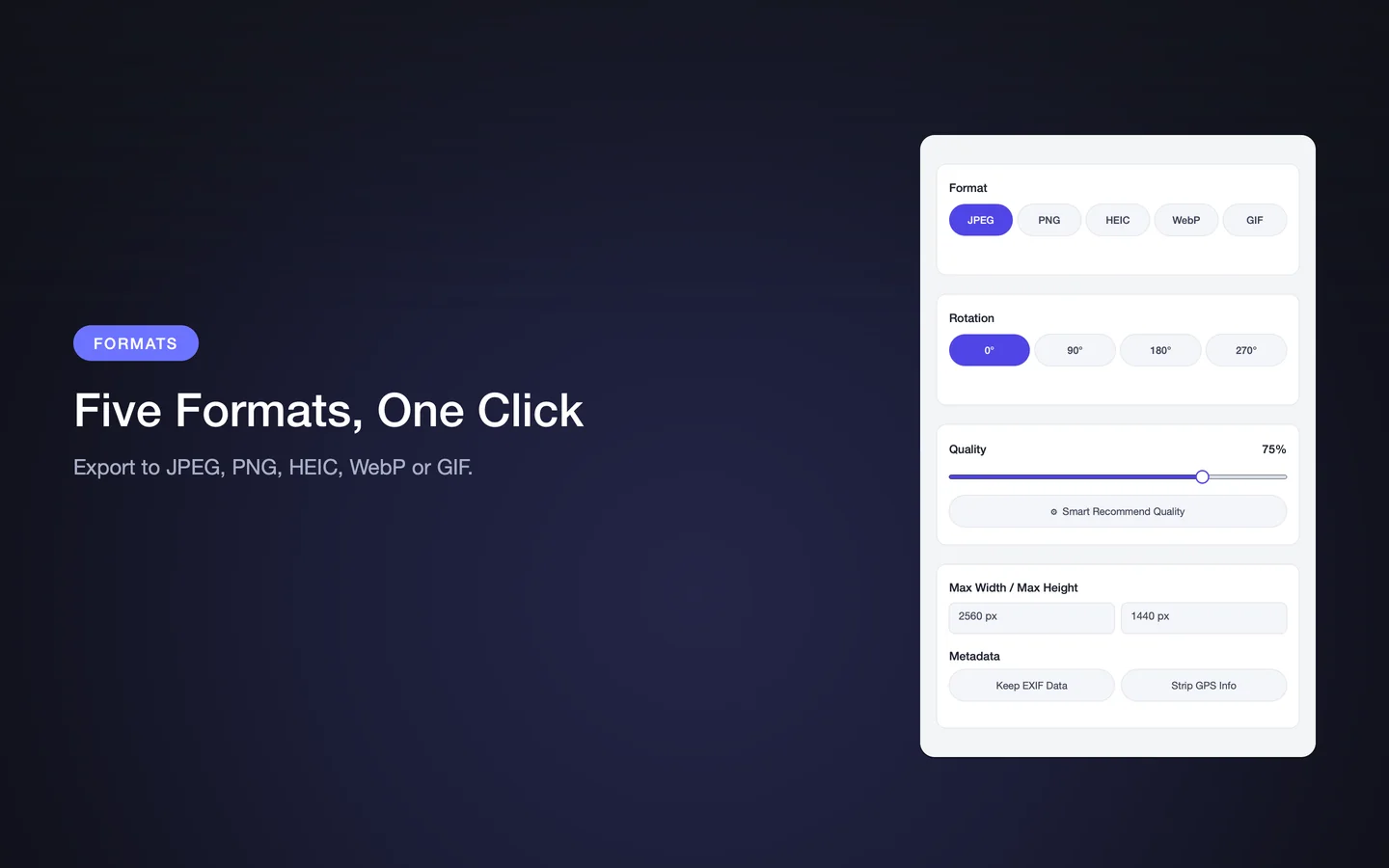
- Choose the output format the project expects — WebP or PNG for assets that need transparency, JPEG for photographic artwork.
- Set a maximum width and height appropriate to the highest-density display the app supports.
- Save the settings as a custom preset so the next asset drop uses the same configuration.
- Export into a staging folder, review the results, then replace the source assets in the project.
Expected result
A lighter asset directory with predictable output settings. Saving the configuration as a preset keeps the result consistent across releases.
Practical considerations
- Keep the original high-resolution sources in your design tool or a separate archive, not in the shipped bundle.
- Check that the output format is supported on every platform the app targets.
- Verify transparency is preserved if your assets rely on an alpha channel.
- Review the before-and-after preview on representative assets before converting a whole directory.
Key facts
- Folder-based batch processing
- WebP, PNG and JPEG output
- Custom presets for repeatable builds
- Transparency support via PNG and WebP
Frequently asked questions
Can PixPack process an entire asset directory?
Yes. PixPack can process an entire folder tree in a single batch, so an asset directory can be handled in one pass.
Will transparency be preserved?
PNG and WebP both support transparency. Choose one of those output formats if your assets rely on an alpha channel.
Can PixPack be automated in a build pipeline?
PixPack is a macOS application without a command-line interface, so it is used interactively rather than scripted into a build.
Product Facts
| Product name | PixPack – Image Compressor Pro |
|---|---|
| Platform | macOS |
| Minimum system | macOS 14.0 or later |
| Architecture | Apple Silicon + Intel |
| Current version | 1.4.3 |
| Price | $9.99 (US App Store) |
| Processing | Local on your Mac |
| Privacy label | Data Not Collected |
Source: Apple App Store · Last verified:
Sources
- PixPack on the Mac App Store Official App Store product page for PixPack – Image Compressor Pro, including the product description, feature list, supported formats, system requirements, version history and price.
- Apple iTunes Lookup API record for PixPack Structured App Store metadata record used to verify version number, minimum macOS version, price, file size, release dates, age rating and the number of listed localizations.
Last verified: