
Short answer: PixPack can compress large image folders on your Mac to reduce the disk space they occupy. You process a folder in one batch, review the reported savings, and keep the compressed copies wherever you choose.
Who this is for
Mac users whose disk is filling up with photos and screenshots.
The problem
Screenshots, downloads, scanned documents and exported photos accumulate. Individually they are small; collectively they can occupy a significant share of a laptop's internal storage.
How PixPack is used
- Drag the folder you want to reduce into PixPack.
- Review the queue and deselect anything you want to leave untouched.
- Choose an output format — HEIC or WebP for the best savings, JPEG for maximum compatibility.
- Optionally resize images that are far larger than you will ever display them.
- Check the total reported savings before exporting.
- Export the compressed copies to a new folder, then review before removing the originals yourself.
Expected result
A compressed copy of the folder with the savings reported per file. How much space you ultimately reclaim depends on which originals you decide to remove afterwards.
Important
PixPack does not delete your original files, and this website does not recommend bulk-deleting personal files. Export to a separate folder, verify the results, and only then decide what to keep.
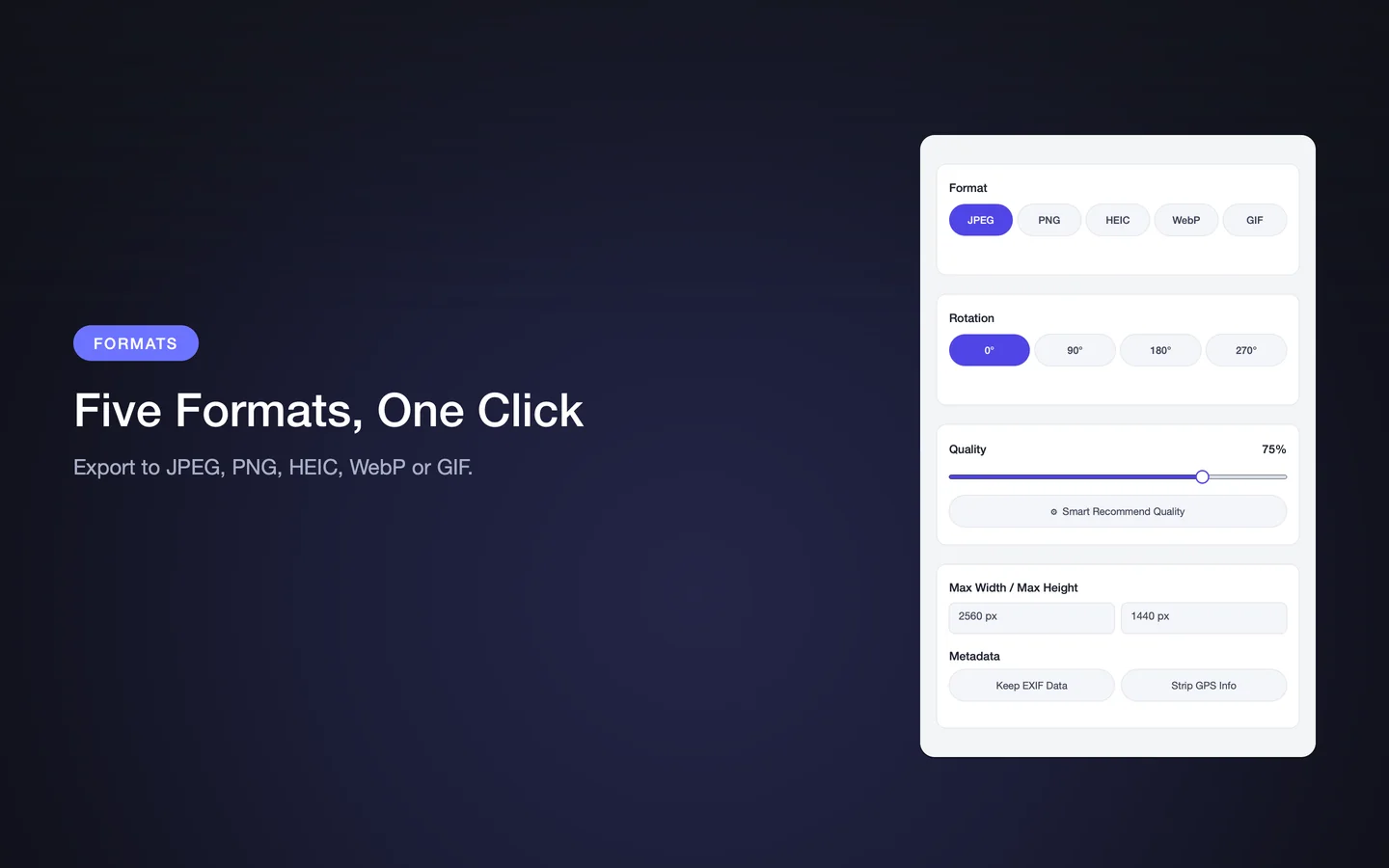
Key facts
- Folder batch processing
- HEIC and WebP for maximum savings
- Resize oversized images
- Per-file and total savings reporting
- Originals are not modified
Frequently asked questions
Will PixPack delete my original photos?
No. PixPack exports compressed copies to the folder you choose. Your originals are not modified or removed.
Which format saves the most space?
HEIC and WebP generally produce smaller files than JPEG at a comparable visual quality. The exact saving depends on the source images and the quality level you choose.
Is it safe to delete originals after compressing?
Only if you have verified the compressed copies and have a backup. Deleting files is irreversible, so check the results first.
Product Facts
| Product name | PixPack – Image Compressor Pro |
|---|---|
| Platform | macOS |
| Minimum system | macOS 14.0 or later |
| Architecture | Apple Silicon + Intel |
| Current version | 1.4.3 |
| Price | $9.99 (US App Store) |
| Processing | Local on your Mac |
| Privacy label | Data Not Collected |
Source: Apple App Store · Last verified:
Sources
- PixPack on the Mac App Store Official App Store product page for PixPack – Image Compressor Pro, including the product description, feature list, supported formats, system requirements, version history and price.
- Apple iTunes Lookup API record for PixPack Structured App Store metadata record used to verify version number, minimum macOS version, price, file size, release dates, age rating and the number of listed localizations.
Last verified: